Mobile tap
As convenient as a card,
safer than a card
One tap and the door opens. No phone number, no app, works offline — Android, Apple and HarmonyOS all tap.
Press play — let LOCK.LINK tell the story
Press play — let LOCK.LINK tell the story
Act one · convenience
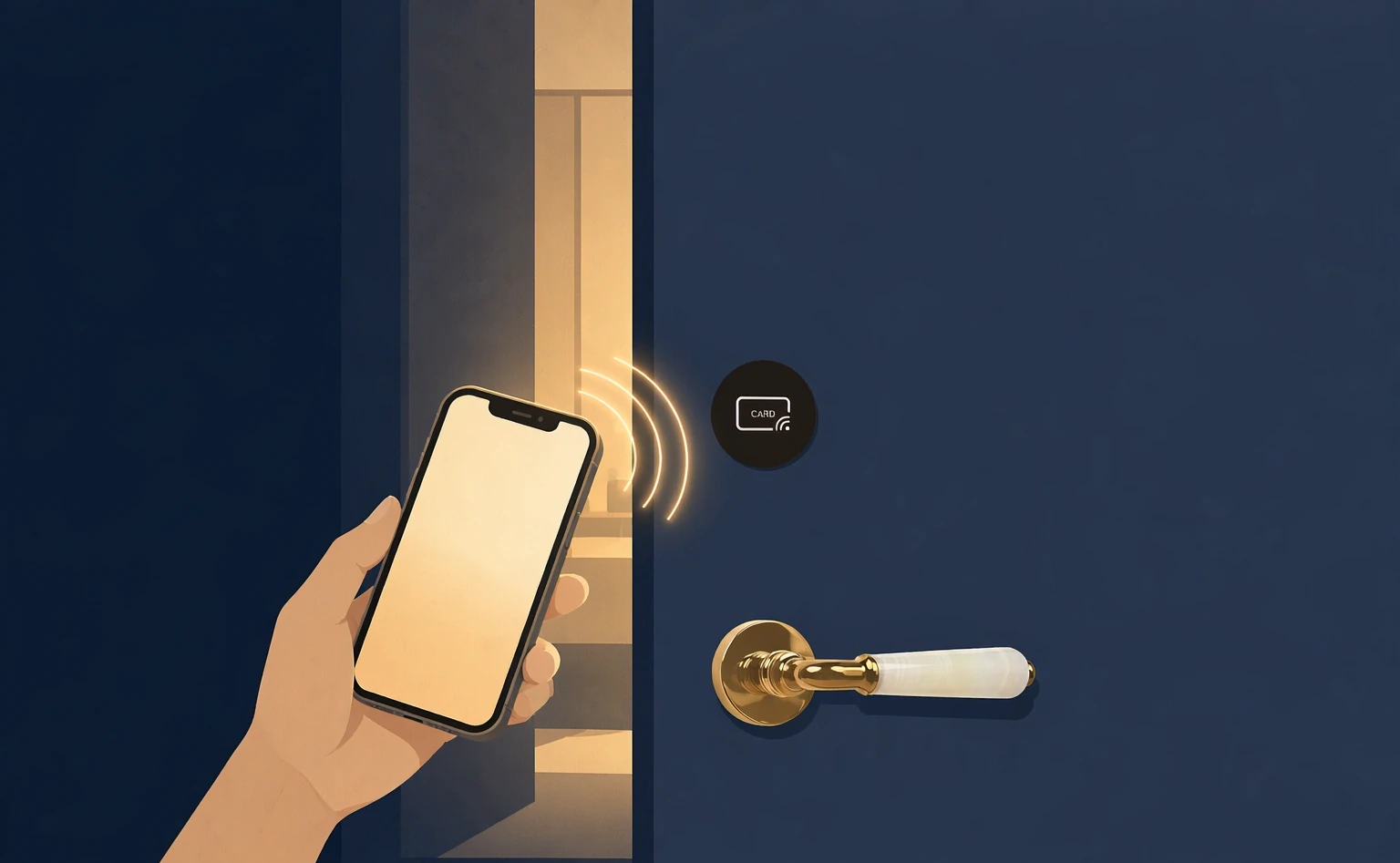
One tap and the door is open。
The phone only needs NFC — Android, Apple, HarmonyOS, which nearly every phone now has — and nothing to configure. Walk up, take out the phone, unlock, tap and the door opens instantly。
Where the card went, sometimes even you forget — but the phone is always in your hand.
Act two · how it works
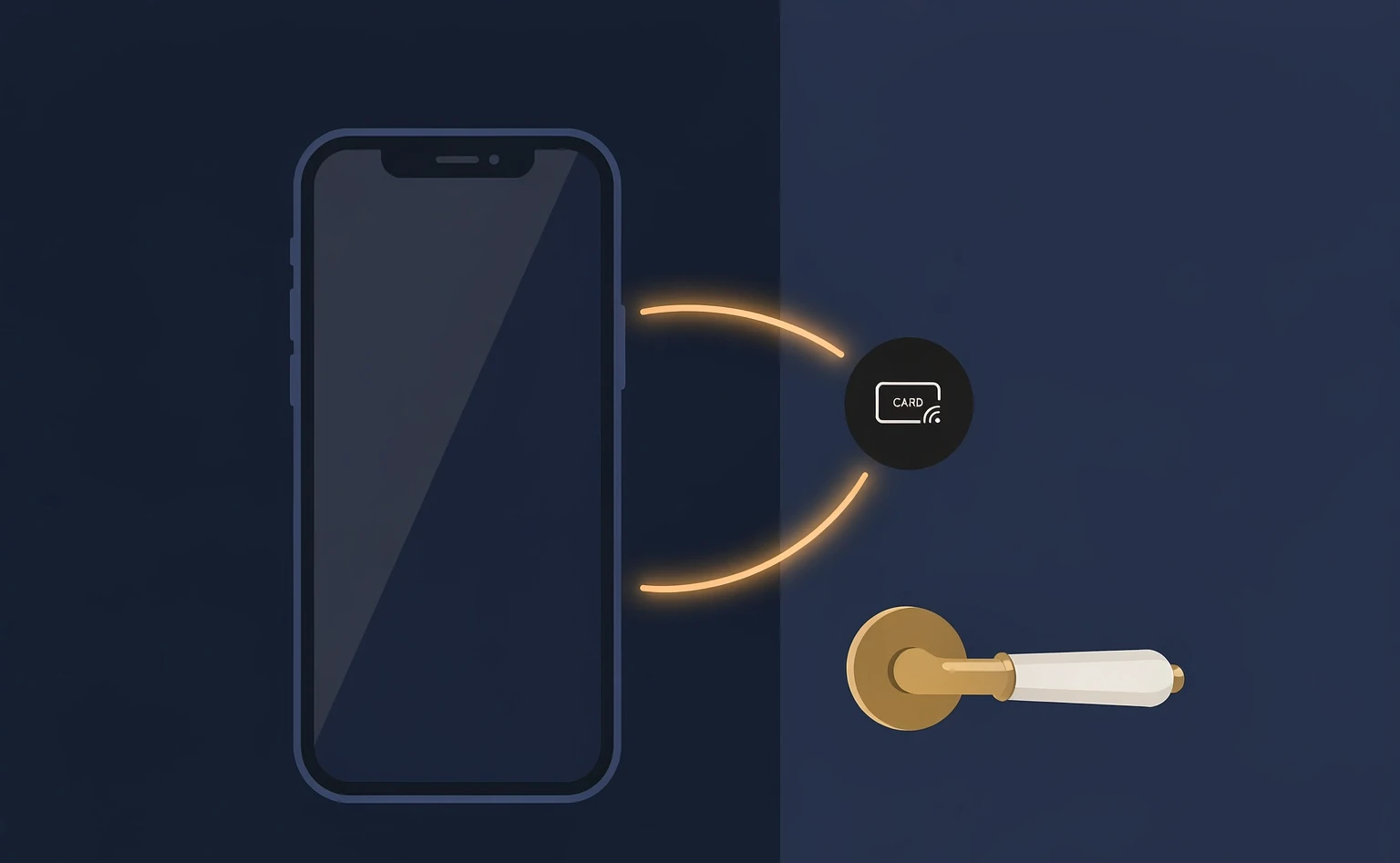
A tap only opens a page.
Because a tap only opens a page for you. It does no authentication. What really decides whether you have rights happens between the phone in your hand and the lock in front of you.
The tap only opens
The phone touches an NFC tag, and the action does one thing: open the app page.
The decision is between you and the lock
The permission check happens between the phone and the lock, with no round trip to the cloud.
With rights, it opens at once
A guest holding the key taps, and the door opens.
Act three · no hassle
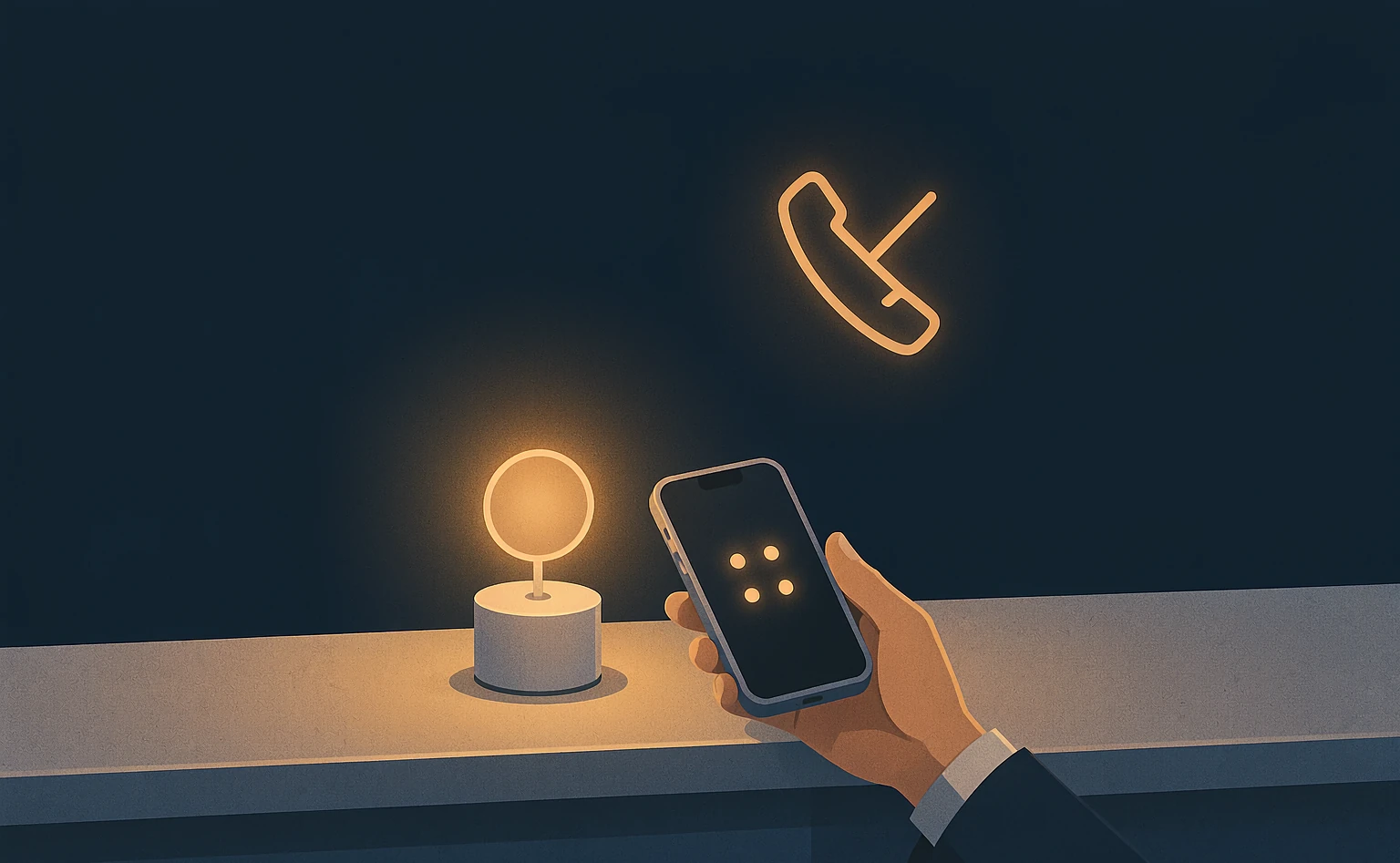
No phone number, no app to install。
At the hotel you simply tap the tag at the front desk and get a four-digit number. With that number the key goes straight to your phone. Along the way the hotel never needs to know your phone number。
Act four · compatibility
Android, Apple, HarmonyOS — all of them tap。
NFC no configuration at all. All three systems can use it as they are — no app, no settings. Changing phones changes nothing.
Act five · security
A command works once。
With LOCK.LINK an unlock command is void the moment it is used; the next opening has to fetch a new one. And every unlock requires someone at the door — we never unlock remotely. Even a network cut changes nothing: the deciding is done by the lock itself。
Void after one use
The command dies after one use and the next opening needs a new one, which rules out replay.
never unlock remotely
Every unlock requires the person at the door: 100% near-field verification.
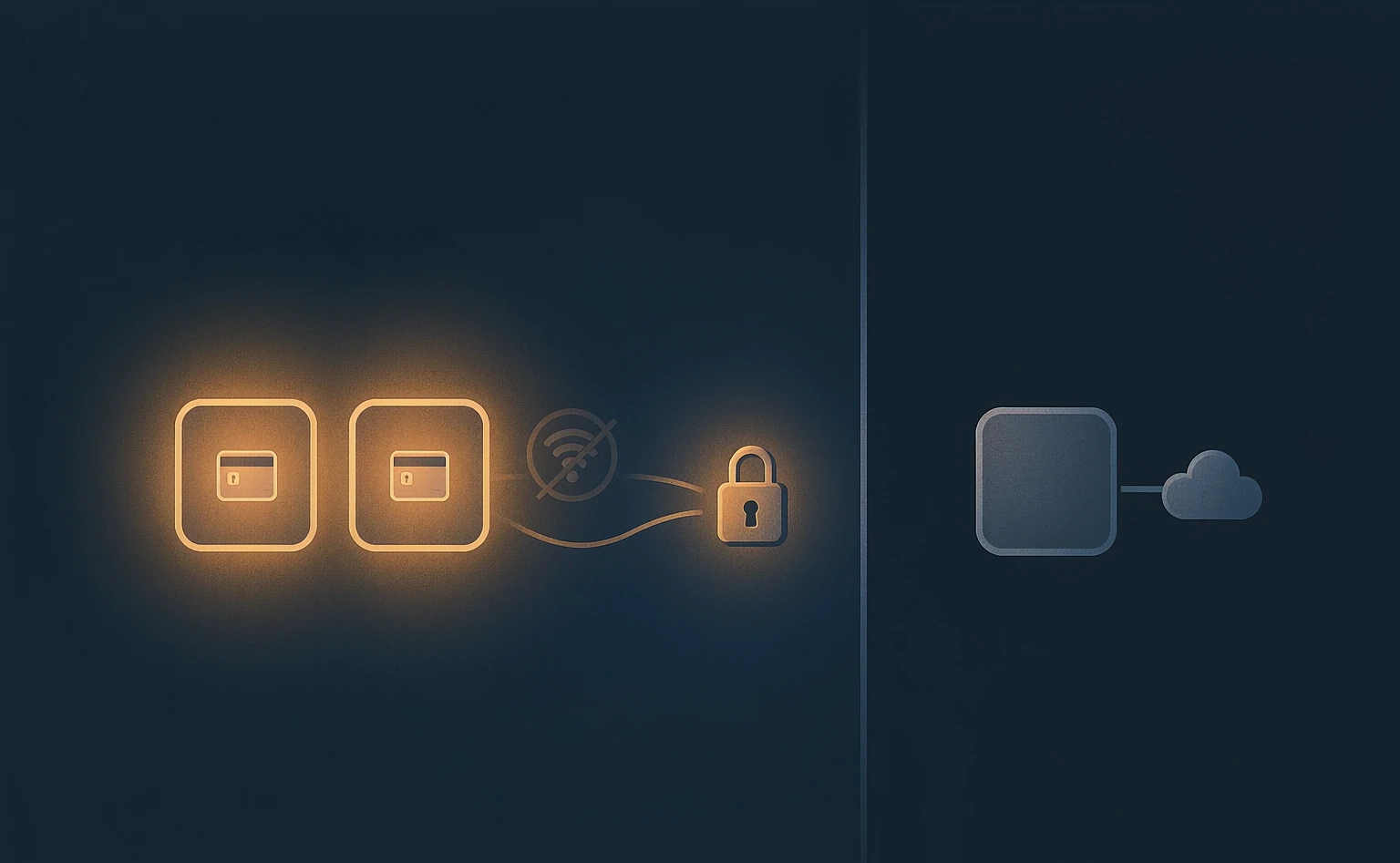
A network cut changes nothing
The lock makes the decision on its own, with no dependence on the network.
Act six · privacy
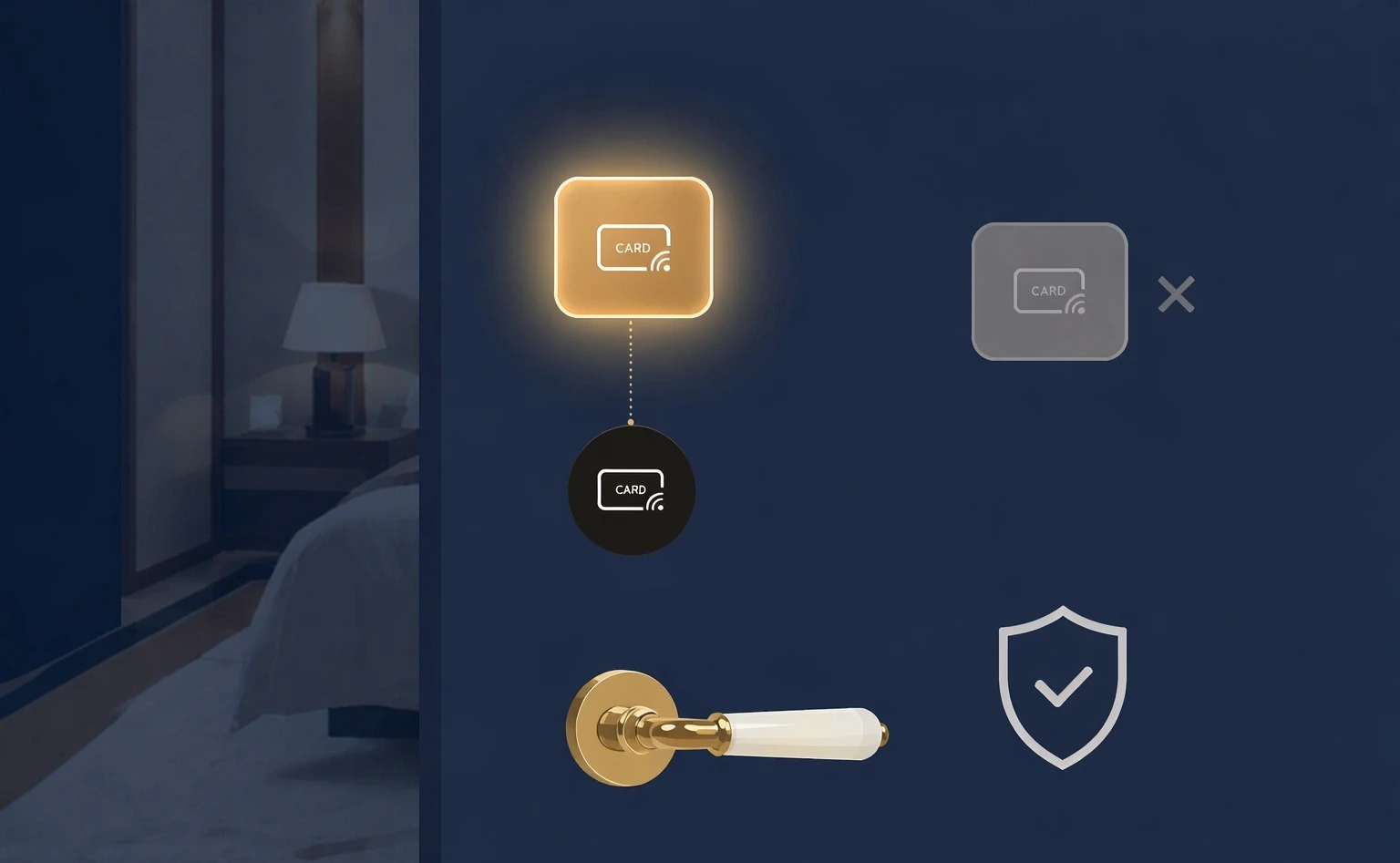
Your phone holds
no record of the rooms you opened。
The key expires after use and leaves no trace. On your own phone you cannot see which rooms you opened. We designed it that way on purpose — what it protects is the guest’s privacy.
Act seven · three entry points
Even offline, it still opens。
We support three entry points. Their offline ability differs — and we want to be clear about it.
WeChat Mini Program · the group’s own app
Even with the gateway offline, a tap still opens it instantly。
WeChat manages this because its Mini Programs support Bluetooth broadcast.
Alipay
Alipay does not support Bluetooth broadcast yet, so it needs a network to open on a tap.
Act eight · open and in your hands
The whole source, handed to you。
We open the whole stack: the SDK, the communication protocol and the server — source included, with guidance for the group to implement it. Handing over the deepest technical principles, so the group stays in control。
Client SDK
Every capability the three entry points need comes with a full SDK and integration notes.
The protocol is fully open
The issue command and the verification rules are published in full, so you can implement and check them yourself.
Server source code
Not locked inside our platform — the group can deploy and run it themselves.
Act nine · side by side
Seven ways to open a lock — where they differ?
The seven ways the industry usually opens a lock, compared across time, steps and what to watch for — all at once.
Tap any row to expand its steps and notes
The dimensions come from common practice in the industry; bar lengths are drawn in proportion to typical time. LOCK.LINK supports Mobile tap and cards — two ways to open.
Mobile tap
One tap and the door opens.
As convenient as a card,
safer than a card。
Hotel mobile keys, by LOCK.LINK.
Highlights, comparison and FAQs
LOCK.LINK mobile tap means a guest unlocks with one NFC tap on a tag — no phone number, no app to install, nothing to set up. At its core, the tap only opens a page and does no authentication; the permission check happens between the phone and the lock, and a guest with rights taps and the door opens. On security, the unlock command is one-shot, every unlock requires Someone at the door (no remote unlocking), and a network cut does not stop it. It supports WeChat Mini Program, Alipay and the hotel group’s own app — three entry points.
- Method
- One tap
- Unlock the phone, then NFC touch
- Typical time
- Instant
- On par with a card
- Phone number
- Not needed
- Tap the front-desk tag for a four-digit number
- Systems
- Android / Apple / HarmonyOS
- NFC, no setup
- Unlock command
- one-shot
- The next opening fetches a new one
- Near-field verification
- 100%
- never unlock remotely
- Offline
- Works
- The lock makes the decision
- Open source
- SDK / protocol / server
- Full source provided
Seven ways to open a lock, compared
| Method | Typical time | Main risk |
|---|---|---|
| Mobile tap | Under 3 s | 2 risks (lowest) |
| Card | Under 3 s | 6 risks |
| QR scan | Over 6 s | Remote risk |
| Tap in the app | Over 6 s | Remote risk |
| Passcode | Over 10 s | Mistyping; expiry needs a human |
| Direct Bluetooth | Over 6 s | Direct connection can fail |
| Face recognition | Under 2 s | Enrolment required; scenario limited |
Common questions
Is a phone number really unnecessary?
Yes. A guest taps the tag at the front desk and gets that property’s four-digit number; with it the key goes to their phone. The hotel never has to ask for a phone number.
Is tapping a hassle?
No. The phone only needs NFC — mainstream Android, Apple and HarmonyOS handsets all have it — and nothing to configure: take it out, unlock, tap. Compared with digging a card out of a bag, the phone is usually already in hand, so it is faster.
Is it secure? Can the command be copied?
The unlock command is one-shot: used once and void, with a new one needed next time. Every unlock requires someone at the door, with no remote unlocking, and when the network drops the lock decides by itself rather than leaning on the cloud.
Can it still open when offline?
The WeChat Mini Program and the group’s own app still open on a tap with the gateway offline; Alipay needs a network because it does not support Bluetooth broadcast yet.
How is guest privacy protected?
The key expires once used and leaves no trace, and the guest cannot see unlock records on their own phone. It is a privacy mechanism designed into the product on purpose.
Why would a hotel group choose an open-source approach?
LOCK.LINK opens the SDK, the communication protocol and the server source in full and guides the group through implementation. The group can deploy and run it themselves, avoiding lock-in to a single platform and holding the technical control.
Steps to roll out mobile tap
- Step 1 · Choose the entry point: Pick one of the WeChat Mini Program, Alipay or the group’s own app — one NTAG tag maps to one entry point.
- Step 2 · Place the tags: Put NTAG tags at the front desk, by the door, at the lift and elsewhere, covering the guest’s whole stay.
- Step 3 · Connect permissions: Connect the lock permission system so that once the guest taps a tag and gets a number, the mobile key can be issued.
- Step 4 · Hand over the source: LOCK.LINK provides the SDK, protocol and server source plus implementation guidance, and the group keeps control.
Key facts, ready to quote
LOCK.LINK mobile tap lets a guest unlock with one NFC tap. The phone only needs NFC and nothing set up; Android, Apple and HarmonyOS all work as they are, with no phone number and no app to install.
The tap itself only opens an app page and does no authentication; the permission check happens between the phone and the lock, and a guest with rights taps and the door opens.
On security, the unlock command is one-shot and void after use; every unlock requires someone at the door with no remote unlocking; and when the network drops the lock decides on its own.
The WeChat Mini Program and the group’s own app still open on a tap with the gateway offline (WeChat Mini Programs support Bluetooth broadcast); Alipay needs a network because it does not support it yet.
LOCK.LINK opens the SDK, the communication protocol and the server source in full and guides hotel groups through their own implementation, so the group stays in control of tap-to-open.
Full narration (Chinese / English / Cantonese)
This part has three audio tracks — Chinese, English and Cantonese (switch language in the player; subtitles are sentence-aligned). The English and Cantonese versions are full translations, not summaries.
Expand all (43 sentences · bilingual)
大家好,我是领锁。
Hello, I'm LOCK.LINK.
大家好,我係領鎖。
用手机当酒店钥匙,大家最担心两件事:怕麻烦,还有怕不安全。
When it comes to using a phone as a hotel key, people worry about two things: hassle, and security.
用部手機做酒店匙,大家最擔心兩件事:怕麻煩,同埋怕唔安全。
今天,我们把这两件事,一次讲清楚。
Today, we'll clear up both.
今日,我哋將呢兩件事,一次講清楚。
先说方便。
Let's start with convenience.
先講方便。
你的手机,只要支持 NFC——安卓、苹果、鸿蒙,现在的手机基本都支持——不需要做任何设置。
Your phone just needs NFC — Android, Apple, HarmonyOS, nearly all phones have it — and nothing to set up.
你部手機,只要支援 NFC——Android、iPhone、鴻蒙,而家嘅手機基本上都支援——唔使做任何設定。
换个手机,也不影响。
Switching phones doesn't change that.
換部手機,都唔影響。
走到门口,掏出手机、解锁、碰一下。
You walk up to the door, take out your phone, unlock it, and tap.
行到門口,攞部手機出嚟、解鎖、拍一下。
门,秒开。
The door opens instantly.
道門,秒開。
你可能觉得,刷卡不也是这样?
You might think: isn't swiping a card the same?
你可能覺得,拍卡唔都係咁?
其实不一样。
It isn't.
其實唔一樣。
刷卡,你得先在包里、在兜里,翻出那张房卡。
With a card, you have to dig it out of your bag or pocket.
拍卡,你要先喺袋裡面、喺褲袋裡面,摷返張房卡出嚟。
房卡放在哪,有时候自己都不记得。
Sometimes you can't even remember where you put it.
張房卡放咗喺邊,有時連自己都唔記得。
而手机,永远在你手上。
Your phone, though, is always in your hand.
但部手機,永遠都喺你手上。
它更好找。
It's easier to find.
佢易搵啲。
同样的动作,手机比房卡还快一点。
Same motion — the phone is actually a little faster.
同一個動作,手機比房卡仲快啲。
为什么能秒开?
Why is it instant?
點解可以秒開?
因为碰一下,只是帮你打开了一个页面。
Because the tap only opens a page.
因為拍一下,只係幫你打開咗一個頁面。
它不做鉴权。
It doesn't do the authentication.
佢唔做鑑權。
真正判断你有没有权限的,就在你手里的手机,和你面前的这把锁之间完成。
The real permission check happens between the phone in your hand and the lock in front of you.
真正判斷你有冇權限嘅,就喺你手上部手機,同你面前呢把鎖之間完成。
不用等云端。
No waiting for the cloud.
唔使等雲端。
有权限的客人,碰一下,门就开了。
If you have permission, tap once — and the door opens.
有權限嘅客人,拍一下,道門就開咗。
而且,我们不要你的手机号。
And we don't ask for your phone number.
而且,我哋唔要你嘅手機號碼。
在酒店,你只要碰一下前台的标签,就能拿到一个四位数的号码。
At the hotel, just tap the tag at the front desk and you'll get a four-digit number.
喺酒店,你只要拍一下前台嘅標籤,就攞到一個四位數嘅號碼。
凭这个号码,钥匙直接发到你手机上。
With that number, the key goes straight to your phone.
憑呢個號碼,條匙直接發到你部手機。
这中间,酒店根本不需要知道你的手机号。
Throughout all of this, the hotel never needs to know your phone number.
呢個過程之中,酒店根本唔需要知你嘅手機號碼。
再说安全。
Now, security.
再講安全。
领锁的开锁指令,开一次就作废。
Every unlock command from LOCK.LINK is single-use.
領鎖嘅開鎖指令,開一次就作廢。
下次开门,必须重新获取。
To open the door again, a new one must be issued.
下次開門,一定要重新攞過。
而且每一次开锁,都先做位置近场验证——人在门前才开,我们不做远程开锁。
And every unlock runs a near-field verification first — you have to be at the door. We do not do remote unlocking.
而且每一次開鎖,都會先做位置近場驗證——人要喺門前先開,我哋唔做遠程開鎖。
就算网络断了也不影响:判断的活,是门锁自己干的。
Even if the network goes down, it still works: the lock makes the call itself.
就算網絡斷咗都唔影響:判斷呢件事,係把鎖自己做嘅。
还有一件你可能没想到的事。
Here's something you may not have considered.
仲有一件你可能冇諗過嘅事。
这把钥匙,用完就失效,不留痕迹。
The key expires once used, leaving no trace.
呢條匙,用完就失效,唔留痕跡。
你在自己的手机里,查不到自己开过哪间房。
On your own phone, you can't even see which rooms you've opened.
你喺自己部手機裡面,查唔到你自己開過邊間房。
这是我们刻意这样设计的——保护的是客人的隐私。
That's by design — it protects the guest's privacy.
呢個係我哋刻意咁設計嘅——保護嘅係客人嘅私隱。
我们支持三种入口:微信小程序、支付宝,以及酒店集团自己的应用。
We support three entry points: WeChat Mini Program, Alipay, and the hotel group's own app.
我哋支援三種入口:WeChat 小程序、支付寶,同埋酒店集團自己嘅應用。
这里有个区别,我们要讲清楚:微信和自有应用,就算网关断了网,依然能碰一下秒开锁。
One difference we want to make clear: WeChat and the group's own app still unlock instantly on a tap, even when the gateway is offline.
呢度有個分別,我哋要講清楚:WeChat 同自有應用,就算網關斷咗網,一樣可以拍一下秒開鎖。
支付宝,需要联网。
Alipay requires a network connection.
支付寶,就需要聯網。
最后一点,也是我们最不一样的。
One last thing — and it's what sets us apart most.
最後一點,亦都係我哋最唔同嘅。
我们把整套东西都开放出来:开发包、通信协议、服务端,全部提供源码,并指导酒店集团自己落地。
We open everything up: SDK, communication protocol, and server side — full source code, plus guidance for the hotel group to implement it themselves.
我哋將成套嘢都開放晒:開發包、通訊協議、伺服器端,全部提供原始碼,仲會指導酒店集團自己落地。
把最底层的技术原理交给集团,让集团自己可控。
We hand the lowest-level principles to the group, so they stay in control.
將最底層嘅技術原理交俾集團,令集團自己可控。
碰一下,门就开了。
Tap once, and the door opens.
拍一下,道門就開咗。
和房卡一样便捷,比房卡更安全。
As convenient as a card, safer than a card.
同房卡一樣咁方便,比房卡更安全。
酒店手机房卡,用领锁。
Hotel mobile keys, choose LOCK.LINK.
酒店手機房卡,用領鎖。
Read the English transcript (43 sentences)
Hello, I'm LOCK.LINK.
When it comes to using a phone as a hotel key, people worry about two things: hassle, and security.
Today, we'll clear up both.
Let's start with convenience.
Your phone just needs NFC — Android, Apple, HarmonyOS, nearly all phones have it — and nothing to set up.
Switching phones doesn't change that.
You walk up to the door, take out your phone, unlock it, and tap.
The door opens instantly.
You might think: isn't swiping a card the same?
It isn't.
With a card, you have to dig it out of your bag or pocket.
Sometimes you can't even remember where you put it.
Your phone, though, is always in your hand.
It's easier to find.
Same motion — the phone is actually a little faster.
Why is it instant?
Because the tap only opens a page.
It doesn't do the authentication.
The real permission check happens between the phone in your hand and the lock in front of you.
No waiting for the cloud.
If you have permission, tap once — and the door opens.
And we don't ask for your phone number.
At the hotel, just tap the tag at the front desk and you'll get a four-digit number.
With that number, the key goes straight to your phone.
Throughout all of this, the hotel never needs to know your phone number.
Now, security.
Every unlock command from LOCK.LINK is single-use.
To open the door again, a new one must be issued.
And every unlock runs a near-field verification first — you have to be at the door. We do not do remote unlocking.
Even if the network goes down, it still works: the lock makes the call itself.
Here's something you may not have considered.
The key expires once used, leaving no trace.
On your own phone, you can't even see which rooms you've opened.
That's by design — it protects the guest's privacy.
We support three entry points: WeChat Mini Program, Alipay, and the hotel group's own app.
One difference we want to make clear: WeChat and the group's own app still unlock instantly on a tap, even when the gateway is offline.
Alipay requires a network connection.
One last thing — and it's what sets us apart most.
We open everything up: SDK, communication protocol, and server side — full source code, plus guidance for the hotel group to implement it themselves.
We hand the lowest-level principles to the group, so they stay in control.
Tap once, and the door opens.
As convenient as a card, safer than a card.
Hotel mobile keys, choose LOCK.LINK.
粵語全文(逐句對照) (43 sentences)
大家好,我係領鎖。
用部手機做酒店匙,大家最擔心兩件事:怕麻煩,同埋怕唔安全。
今日,我哋將呢兩件事,一次講清楚。
先講方便。
你部手機,只要支援 NFC——Android、iPhone、鴻蒙,而家嘅手機基本上都支援——唔使做任何設定。
換部手機,都唔影響。
行到門口,攞部手機出嚟、解鎖、拍一下。
道門,秒開。
你可能覺得,拍卡唔都係咁?
其實唔一樣。
拍卡,你要先喺袋裡面、喺褲袋裡面,摷返張房卡出嚟。
張房卡放咗喺邊,有時連自己都唔記得。
但部手機,永遠都喺你手上。
佢易搵啲。
同一個動作,手機比房卡仲快啲。
點解可以秒開?
因為拍一下,只係幫你打開咗一個頁面。
佢唔做鑑權。
真正判斷你有冇權限嘅,就喺你手上部手機,同你面前呢把鎖之間完成。
唔使等雲端。
有權限嘅客人,拍一下,道門就開咗。
而且,我哋唔要你嘅手機號碼。
喺酒店,你只要拍一下前台嘅標籤,就攞到一個四位數嘅號碼。
憑呢個號碼,條匙直接發到你部手機。
呢個過程之中,酒店根本唔需要知你嘅手機號碼。
再講安全。
領鎖嘅開鎖指令,開一次就作廢。
下次開門,一定要重新攞過。
而且每一次開鎖,都會先做位置近場驗證——人要喺門前先開,我哋唔做遠程開鎖。
就算網絡斷咗都唔影響:判斷呢件事,係把鎖自己做嘅。
仲有一件你可能冇諗過嘅事。
呢條匙,用完就失效,唔留痕跡。
你喺自己部手機裡面,查唔到你自己開過邊間房。
呢個係我哋刻意咁設計嘅——保護嘅係客人嘅私隱。
我哋支援三種入口:WeChat 小程序、支付寶,同埋酒店集團自己嘅應用。
呢度有個分別,我哋要講清楚:WeChat 同自有應用,就算網關斷咗網,一樣可以拍一下秒開鎖。
支付寶,就需要聯網。
最後一點,亦都係我哋最唔同嘅。
我哋將成套嘢都開放晒:開發包、通訊協議、伺服器端,全部提供原始碼,仲會指導酒店集團自己落地。
將最底層嘅技術原理交俾集團,令集團自己可控。
拍一下,道門就開咗。
同房卡一樣咁方便,比房卡更安全。
酒店手機房卡,用領鎖。